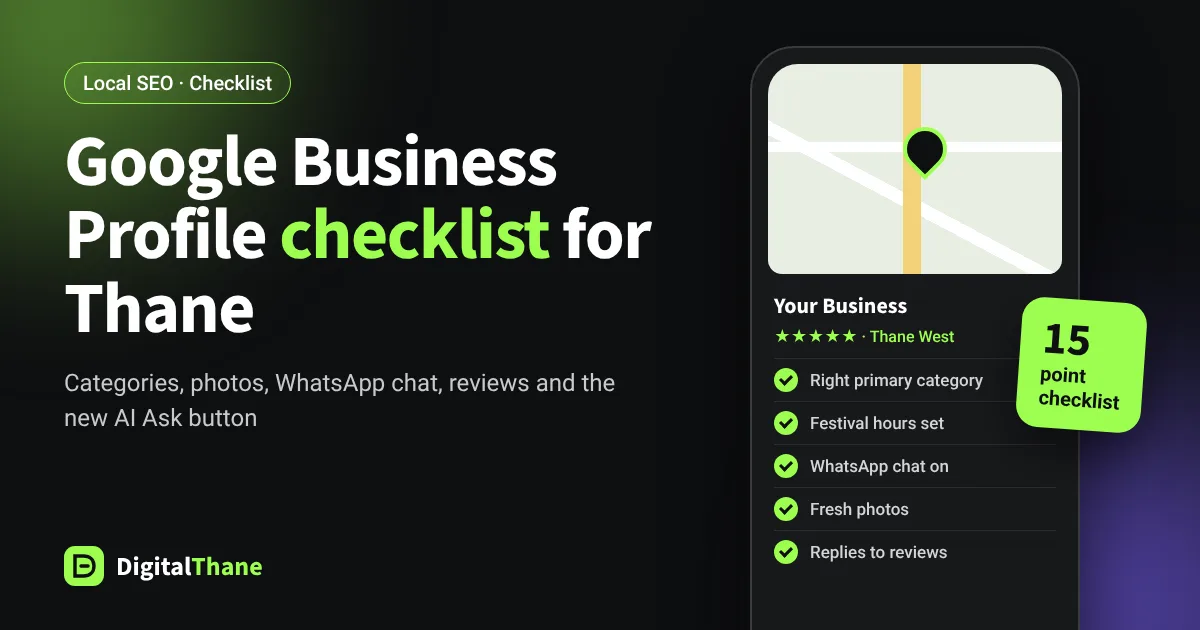
When someone near you searches for what you sell, your Google Business Profile is often the first thing they see, before your website and sometimes instead of it. It shows your rating, photos, hours and a button to call or get directions. For most local businesses in Thane, it is the single most valuable free marketing tool available.
Google is also leaning more on profile information in its AI answers. In our guide to Google AI Mode for Thane businesses, we explained that Google's own advice to site owners includes keeping Business Profile details current. Use this checklist to make sure yours is working as hard as it can.
Get the basics exactly right
1. Use your real business name, nothing more
Your profile name should match your signboard and letterhead. Adding keywords like "Best Dentist in Thane West" to the name breaks Google's guidelines and can get your profile suspended. Put keywords in your services, description and posts instead.
2. Choose the most accurate primary category
The primary category has a big effect on which searches you appear for. Pick the one that describes your main business, such as "Dental clinic" rather than "Medical clinic", then add a few relevant secondary categories. Check what the top-ranking competitors near you have chosen.
3. Set your address or service area correctly
If customers visit you, show your full address and make sure the map pin sits on your actual entrance, not the middle of the building complex. If you travel to customers, such as an AC repair or pest control business, hide the address and list the areas you serve, like Thane West, Ghodbunder Road, Kalwa and Mulund.
4. Keep hours accurate, including festival hours
Wrong hours are one of the fastest ways to lose a customer's trust. Add special hours for holidays and festivals. With Diwali week here, set your special hours now so nobody arrives to a closed shutter.
5. Use a local phone number that someone answers
Use a number customers can actually reach during business hours, and keep it identical to the number on your website and other listings.
Show customers what you offer
6. List every service or product
Add each service with a short, clear description, and prices or starting prices where possible. These details help Google match you to very specific searches.
7. Write a helpful description
In plain language, explain what you do, who you help, which areas you serve and what makes you different. Avoid lists of keywords and avoid links or promotional offers in the description.
8. Add real photos, and keep adding them
Upload clear photos of your storefront from the road (so people recognise it), your interior, your team at work and your products. Real photos taken on a phone in good light beat stock images. Add a few new ones every month.
9. Turn on WhatsApp chat
Many Indian customers would rather send a WhatsApp message than call. In regions where it is available, a verified profile can add a WhatsApp chat link: in your Business Profile, go to Edit profile, then Contact, and next to Chat choose WhatsApp and add your click-to-chat link. If you add both WhatsApp and text messaging, Google shows only the text option, so pick one.
Tip: a WhatsApp click-to-chat link uses the format wa.me/ followed by your number with the country code, for example wa.me/9199XXXXXXXX.
Build trust with reviews and answers
10. Ask every happy customer for a review
Create a short review link from your profile and share it by WhatsApp after each sale or appointment. Ask customers to mention what they came for. Detailed reviews help Google match you to future questions, and they persuade new customers.
11. Reply to every review, good and bad
Thank people by name for positive reviews. For negative ones, stay calm, apologise where it is fair, and offer to resolve it offline. Future customers read your replies as much as the reviews themselves.
12. Never buy or incentivise reviews
Fake reviews and reviews given in exchange for discounts break Google's policies. Google can remove them and restrict your profile, and customers increasingly spot them.
13. Prepare for Google's AI "Ask" button
Google has been replacing the old public Questions and Answers section on Maps with an AI-powered Ask feature. Google says those AI answers are based on the business's own answers and relevant reviews. So respond when Google shows you customer questions, and make sure your profile and website clearly cover the things people ask about: parking, timings, prices, home visits, languages spoken.
Keep it active and consistent
14. Post updates regularly
Share offers, events, new services and before-and-after work as posts, ideally weekly. Posts show customers you are active and give Google more fresh information about your business.
15. Keep your details identical everywhere
Your business name, address and phone number should match exactly on your website, Justdial, Sulekha, IndiaMART, Facebook and any other listing. Small differences like an old phone number or a different spelling create confusion for customers and search engines alike.
How to tell if it is working
Your profile's performance section shows how many people called you, asked for directions, visited your website or messaged you, and which searches found you. Check it monthly. To see website visits from your profile clearly in Google Analytics, add tracking parameters to the website link on your profile.
Watch the trend in calls and direction requests over three months rather than week to week. Local rankings move gradually.
Common mistakes we see in Thane
- Two or three duplicate profiles for the same business, splitting reviews and confusing Google
- A profile still showing an old address after the business moved
- Keyword-stuffed names that get reported by competitors and suspended
- A virtual office or co-working address used without real staffed presence, which Google does not allow
- No photos, or only a logo
Want this done for you?
Optimising a Google Business Profile properly takes a few hours to set up and a little time every week to keep active. If you would rather spend that time running your business, our Local SEO services cover all fifteen points, plus monthly reporting on calls and directions. Get a free profile review from our team in Thane West.
Source for WhatsApp chat setup: Google Business Profile Help, Chat with customers from your Business Profile.